
 Free on Google Play
Volume Shader for Android
The viral GPU test. Now native.
The same Mandelbulb stress test people use to compare phones, rebuilt in Kotlin and OpenGL ES for smoother controls and fewer freezes.
- No account needed
- Optional non-interruptive ads
- Scores stay on your phone

Built for the phones that made the test go viral
Millions of people already know Volume Shader BM in the browser. The Android app keeps that identity and replaces the old WebView wrapper with a dedicated graphics thread, so the interface stays responsive while the GPU is under load.
- Native OpenGL ES renderer, not a Chromium WebView
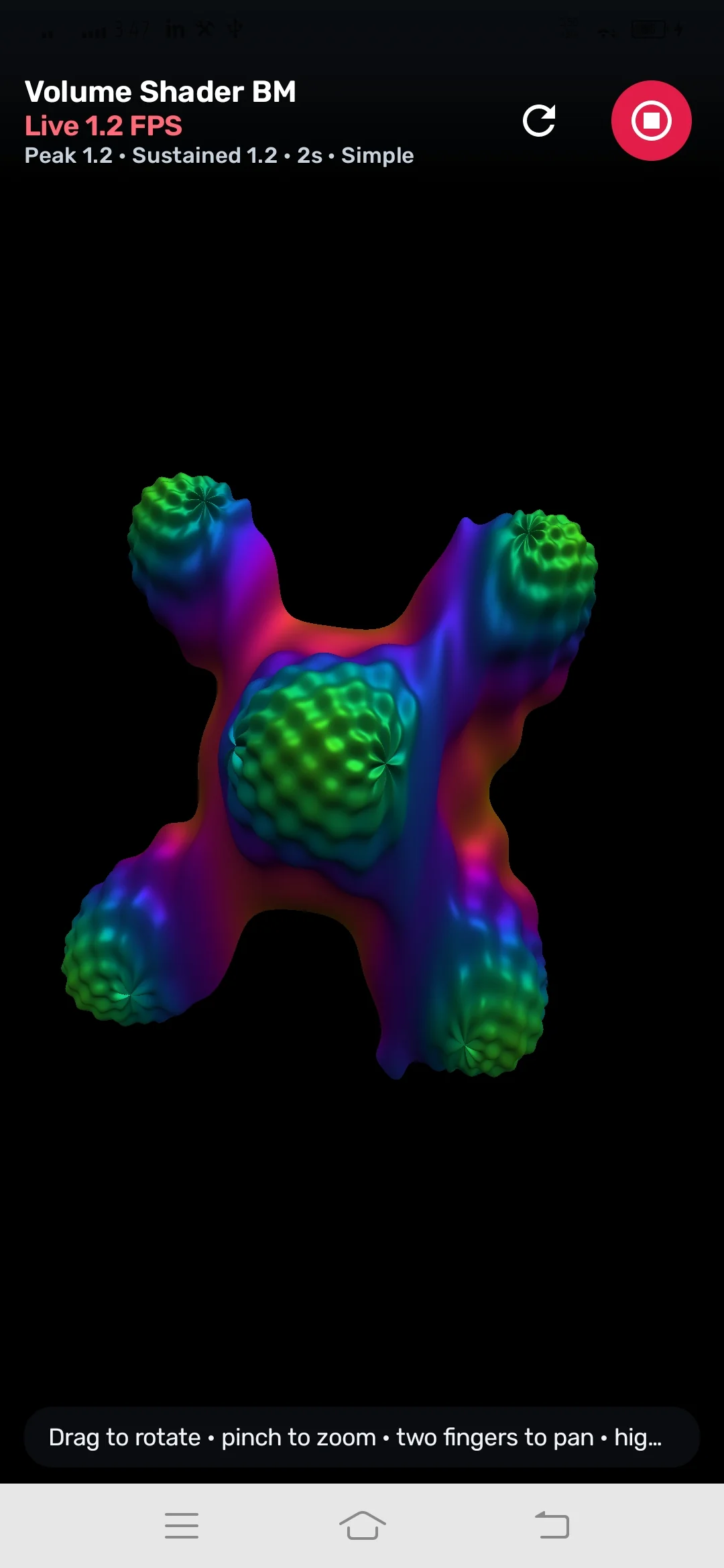
- Drag to rotate, pinch to zoom, two-finger pan
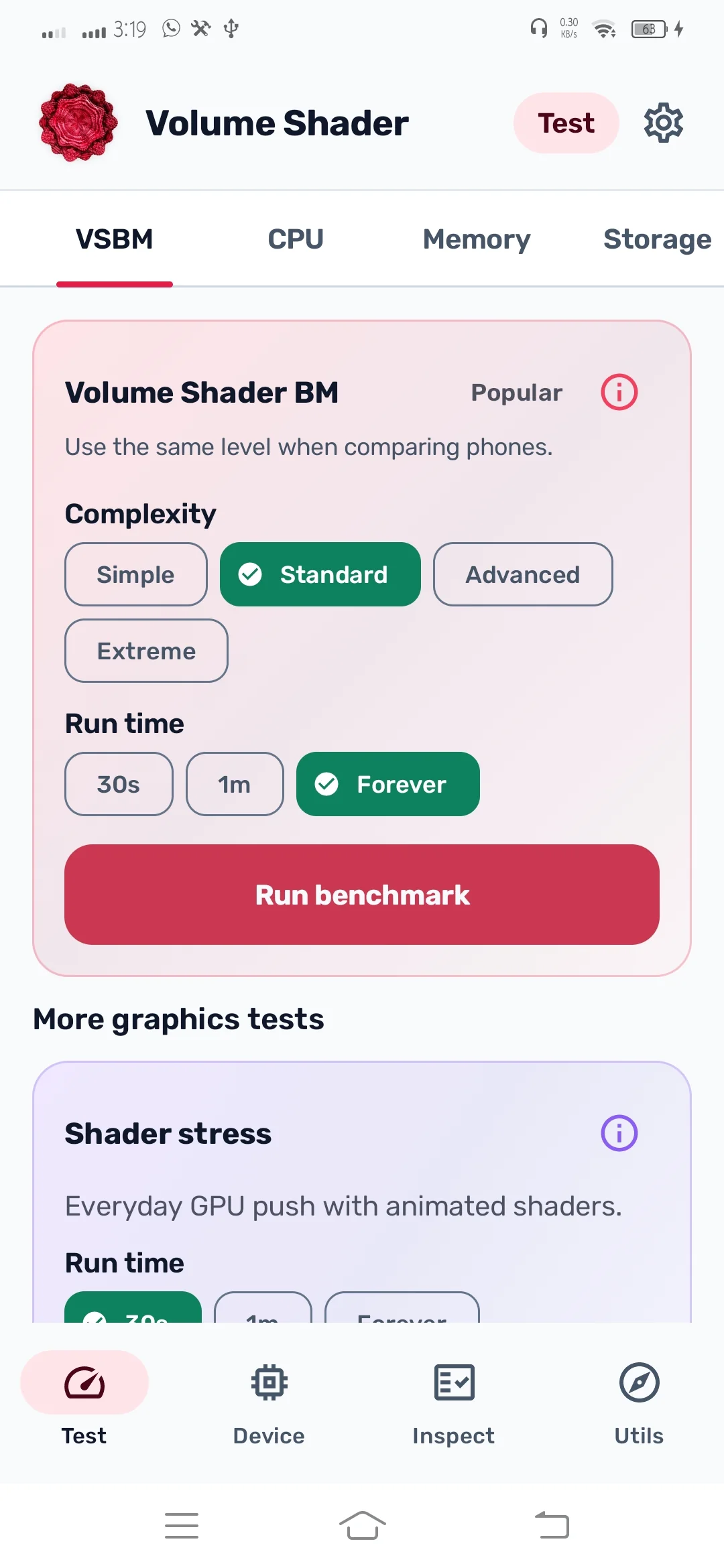
- Complexity levels from Simple to Extreme
- Run times of 30 seconds, 1 minute, or Forever
- Save and share your FPS score
What's inside the app
Four tabs, one download. The benchmark comes first, and everything else is built around checking a phone you already own or one you are about to buy.
Test
Volume Shader BM first, plus CPU, memory, storage, and more GPU checks.
Device
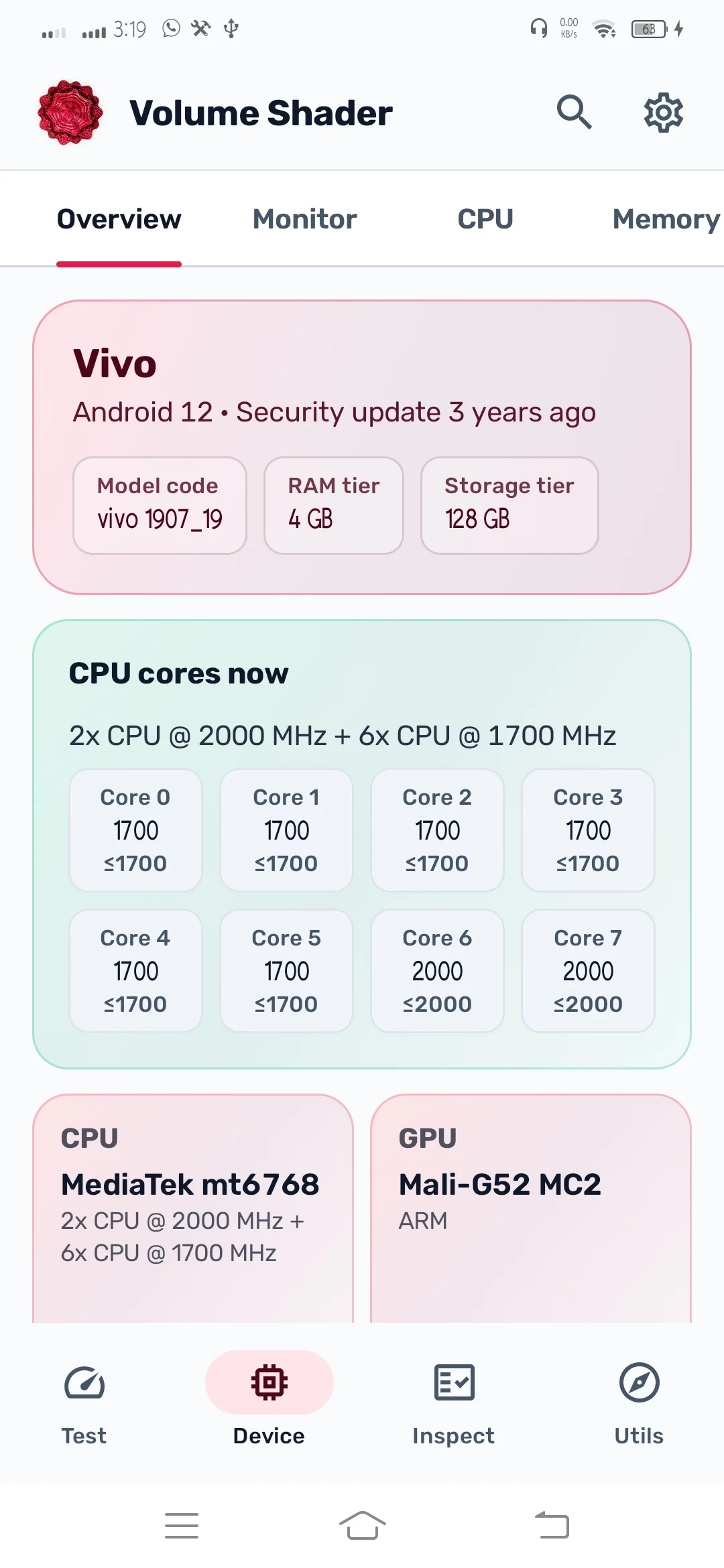
CPU, GPU, RAM, display, battery, and network at a glance.
Inspect
Guided hardware checks that help used-phone buyers spot problems.
Utils
Compass, level, GPS speedometer, ruler, stopwatch, sound meter, and more.
Screens from the Android app
The same four tabs you get after install. Tap any screenshot to open it full size.
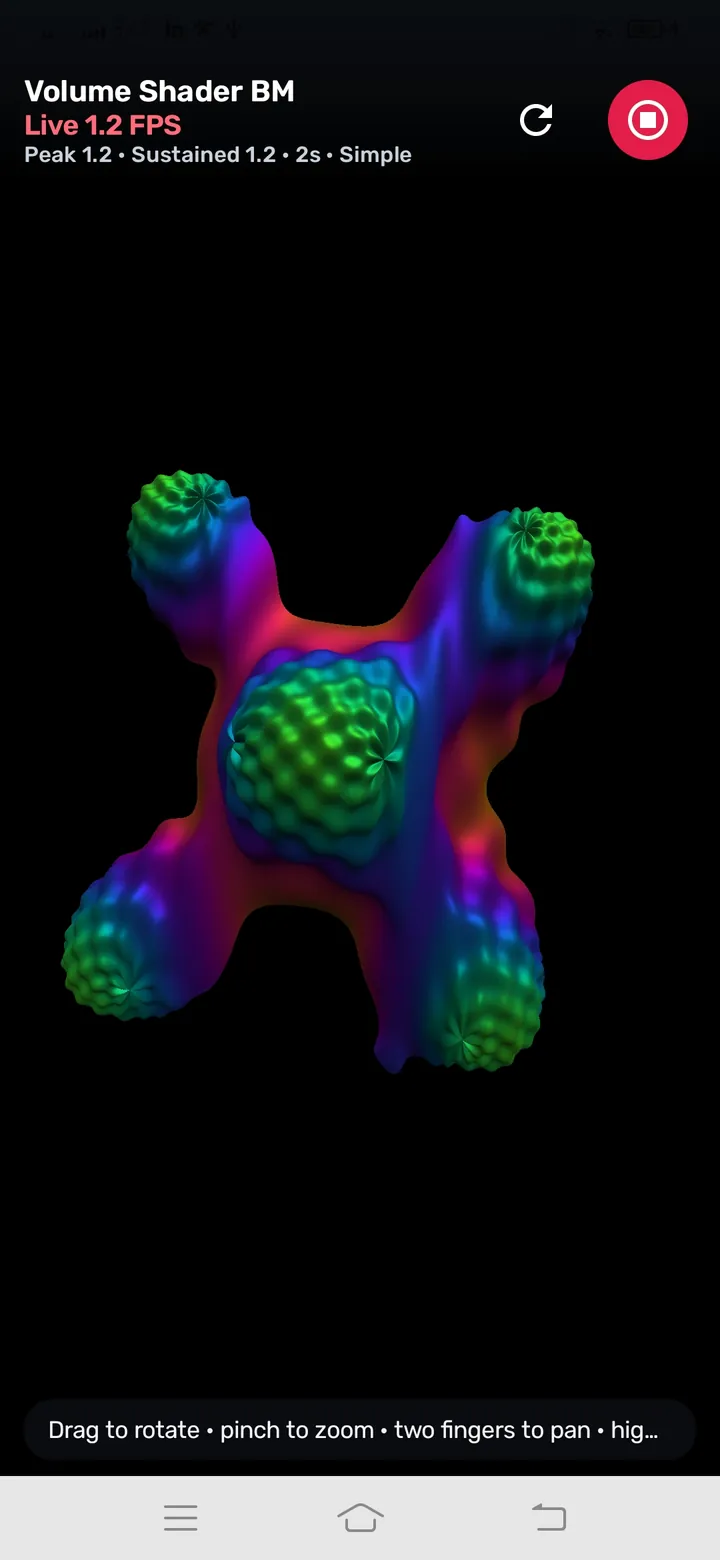
Volume Shader BM running live with FPS and gesture controls
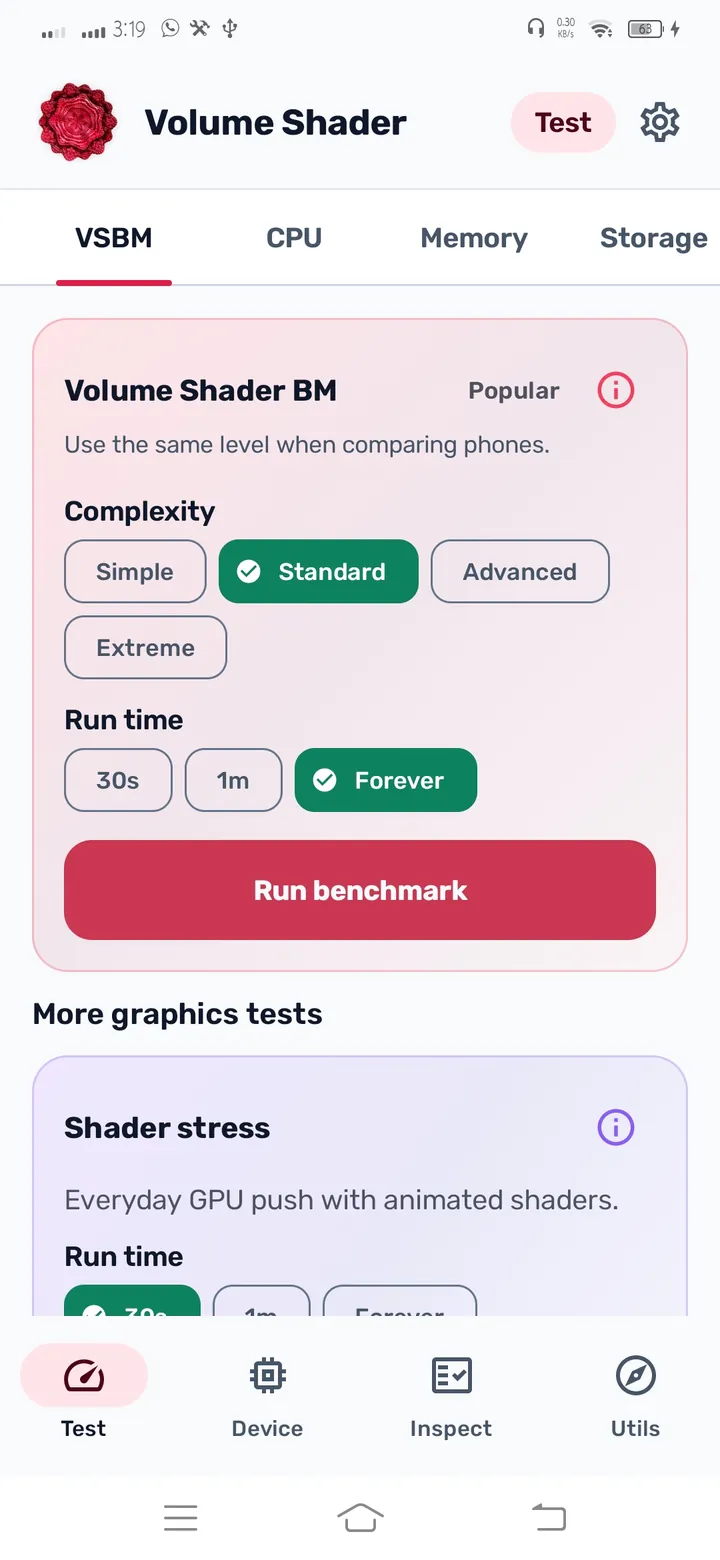
Pick a complexity level and run time, then start the benchmark
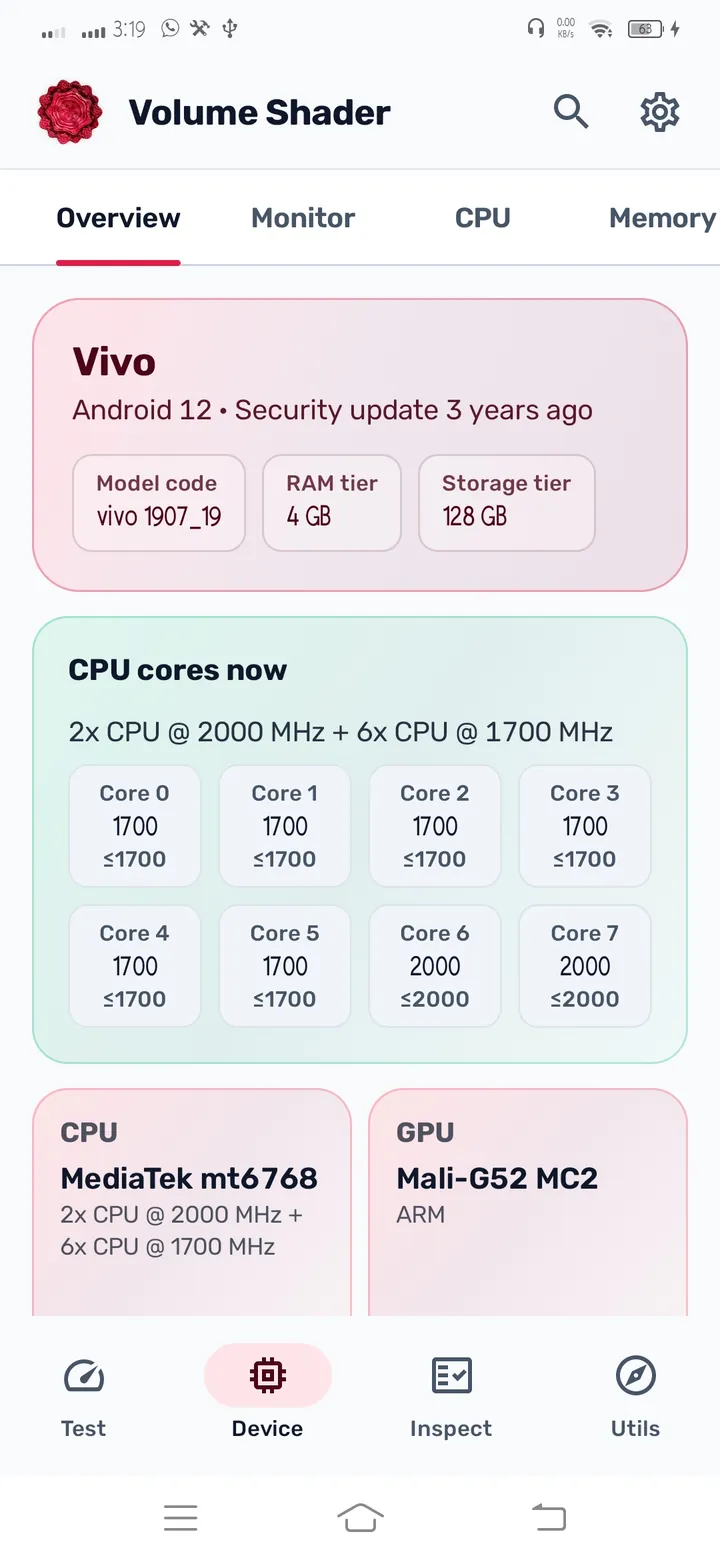
Device overview with CPU, GPU, RAM, and storage at a glance
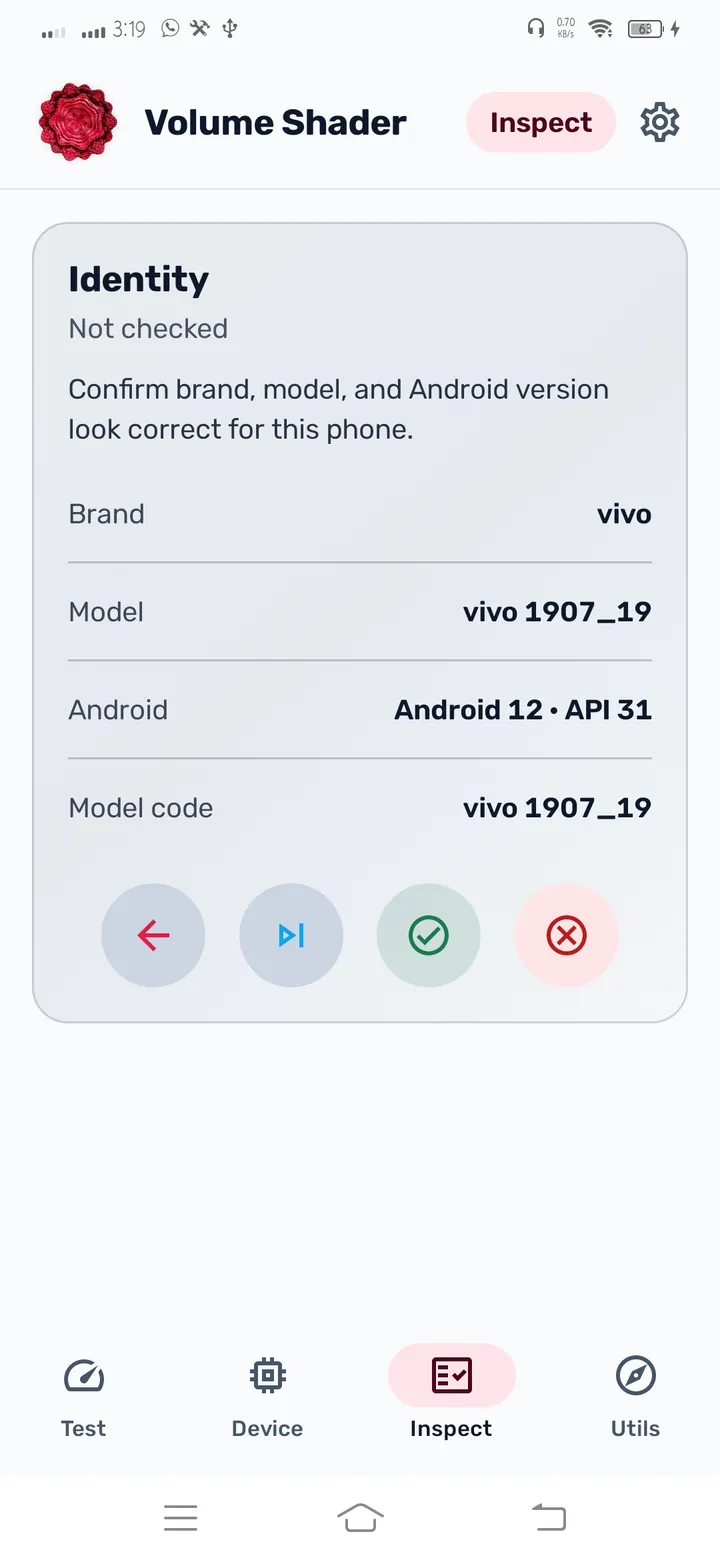
Inspect guided checks for used-phone buyers
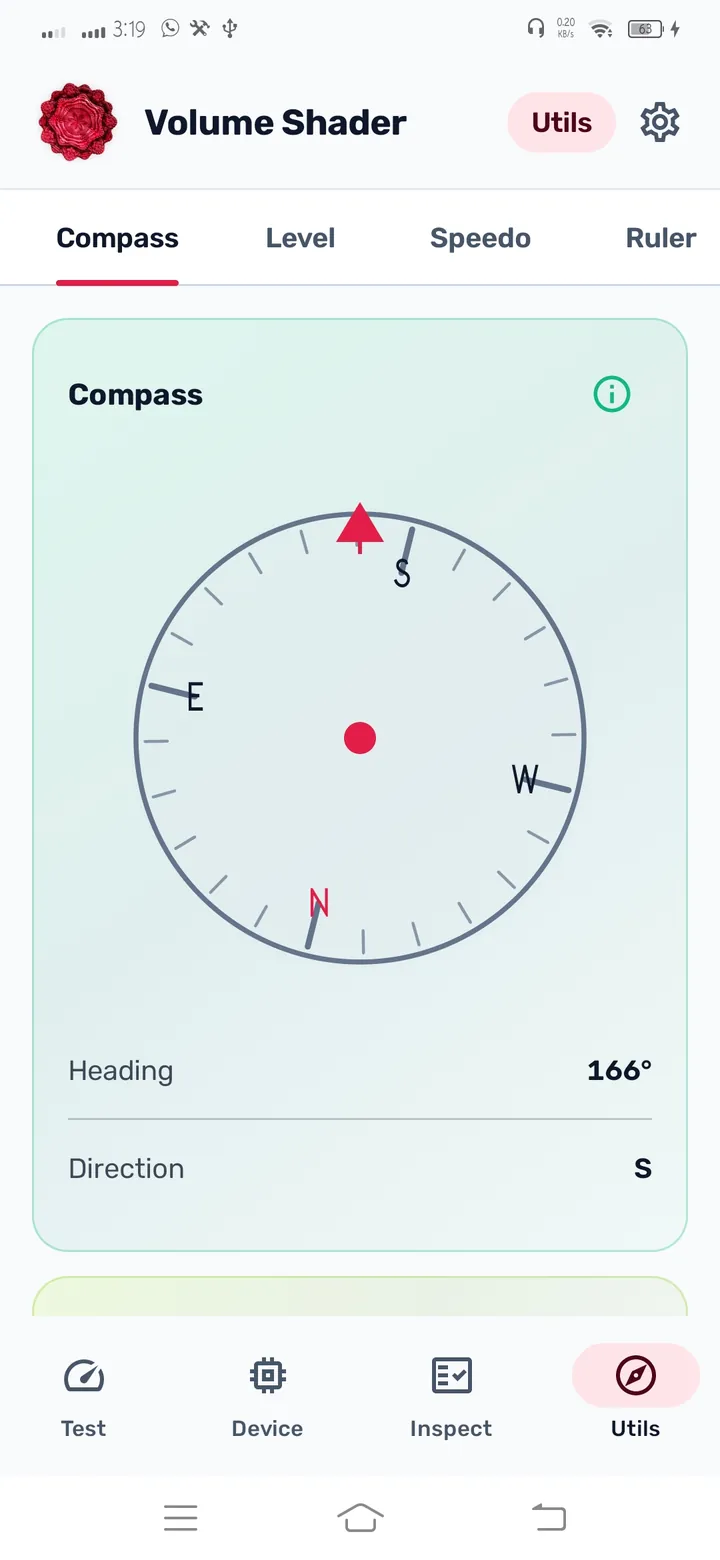
Everyday utilities including compass, level, and more
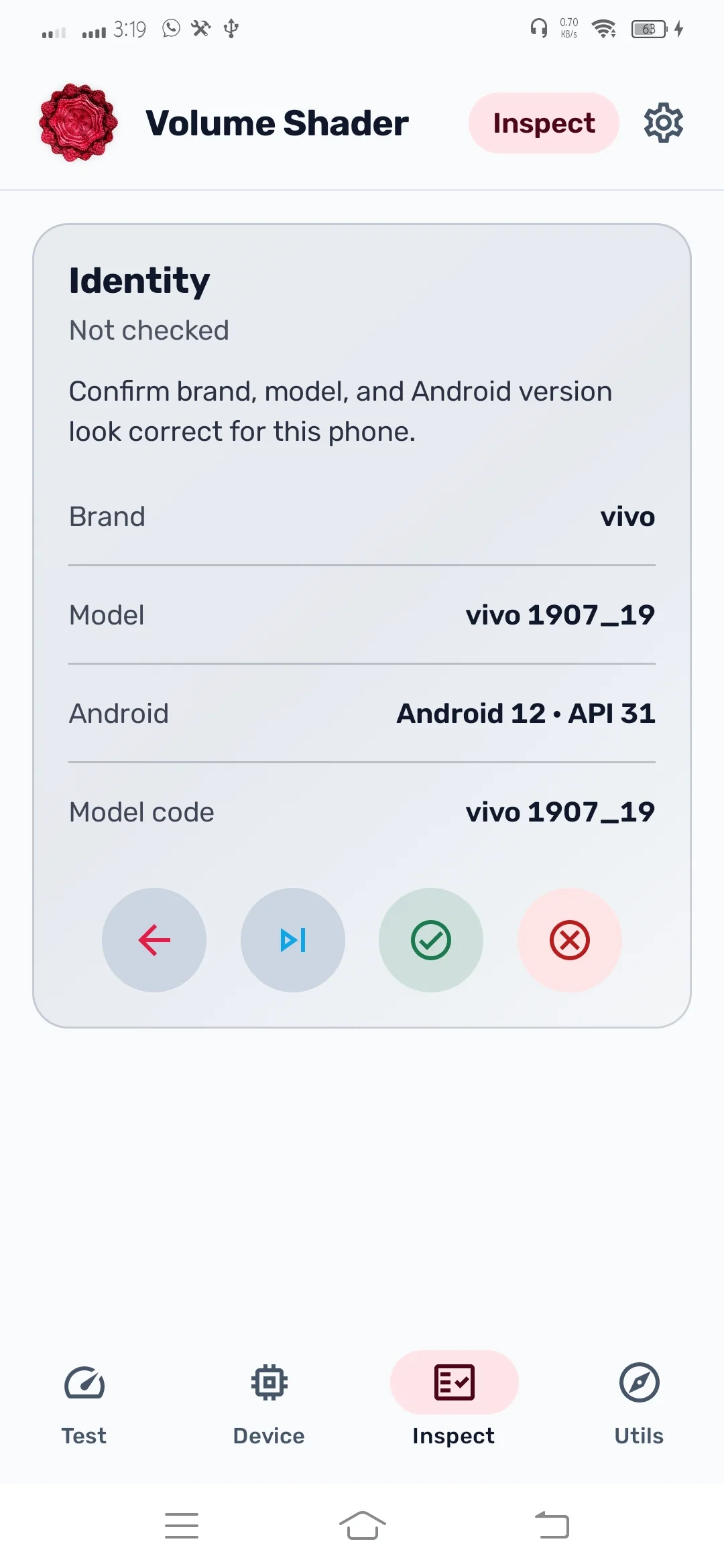
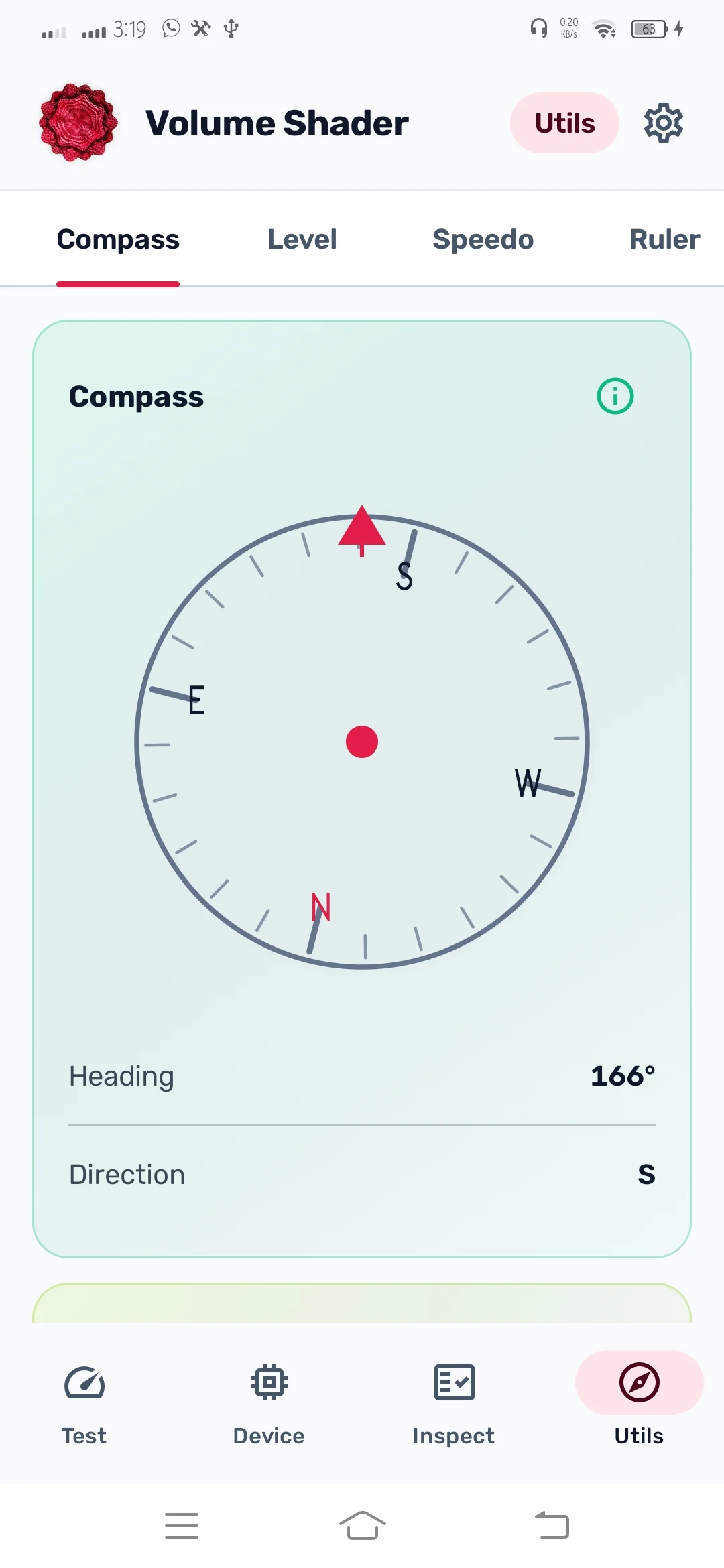
Screenshots were captured on a real device running Volume Shader 2.0.
Same rules when you compare phones
Use the same complexity level and the same run time on every device. Standard is the everyday pick, while Extreme can crush entry-level GPUs.
Scores are real timed measurements such as FPS, operations per second, and MB/s. They are not marketing points.
- Match the complexity level
- Match the run time
- Let the phone cool down first
- Close background apps
Your scores stay on your phone
No account. Benchmark scores stay on device and are not uploaded for advertising. The free app may show optional AdMob ads (banner and native cards) outside GPU sessions; where required, Google’s UMP consent form applies, and Settings can include Manage ads privacy. Camera, microphone, and location are only requested when you open a tool that needs them, and that data is processed on your device.
Read the full privacy policyAndroid app questions
Yes. Volume Shader BM is the same viral workload, implemented natively on Android instead of running through the browser.
Yes. If you already have the Volume Shader app installed from Google Play, the new release updates over it on the same Play account.
The previous release relied on WebView and WebGL, so heavy GPU work could block the interface thread. The new app renders on a dedicated graphics thread instead.
No. The benchmark and device information work without camera, microphone, or location. Those permissions are optional and only used by specific Inspect and Utils tools.
Yes. The free app may show optional, non-interruptive AdMob ads (a small banner and native cards) on Device, Test History, Utils, and Inspect. Ads are not shown during GPU sessions, while a benchmark is running, on the result sheet, on Settings, or on live hardware-check overlays. Where required, you can manage personalization through Google’s consent form or Manage ads privacy in Settings.
Local history and score sharing are in the app today. Online leaderboards are planned alongside the site, and they are not required to run the test.
Not at all, but the browser test stays free and works on any device with WebGL. Many people run the web test first and install the app when they want the native version.
Install Volume Shader
Free on Google Play. If an earlier version is already installed, this updates over it.